![Mosaic Full Logo Blue (Transparent).png]](https://support.mosaic-solutions.com/hs-fs/hubfs/Mosaic%20Full%20Logo%20Blue%20(Transparent).png?height=31&name=Mosaic%20Full%20Logo%20Blue%20(Transparent).png)
1. Log in to the Mosaic Analytics Inventory Console.
https://backoffice-console.mosaic-pos.com/
2. Click on the 3-lines to display the side-panel menu.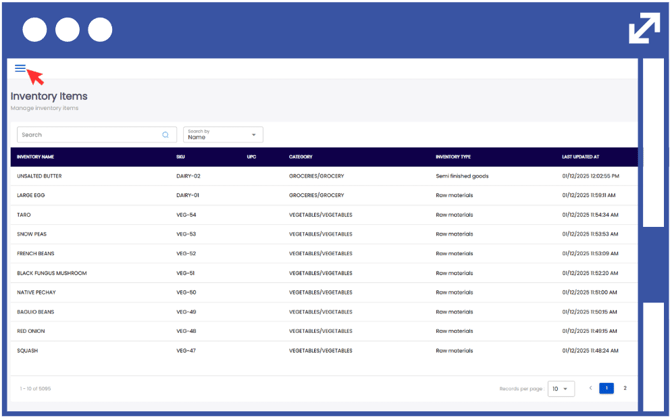
3. On the side-panel menu, click on "Menu Management".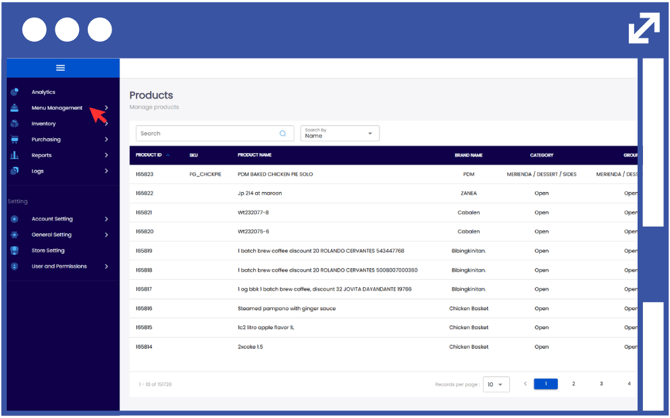
4. Select "Product".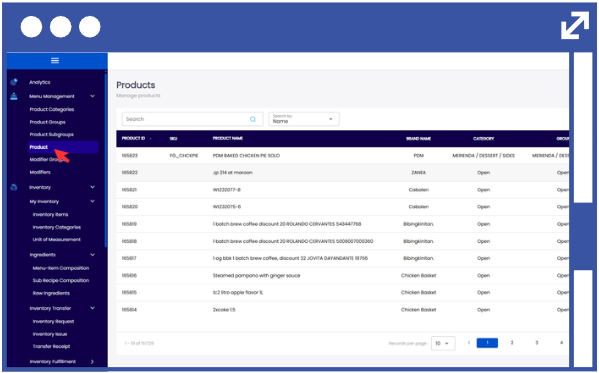
5. In order to modify the product setup, click on the action button using the three-dots.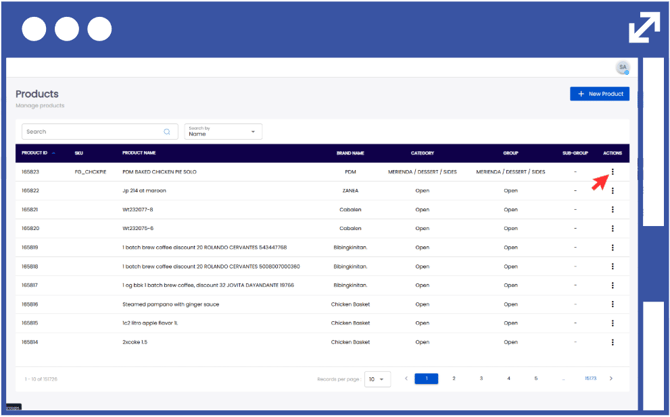
6. Select "Edit" to modify the desired product.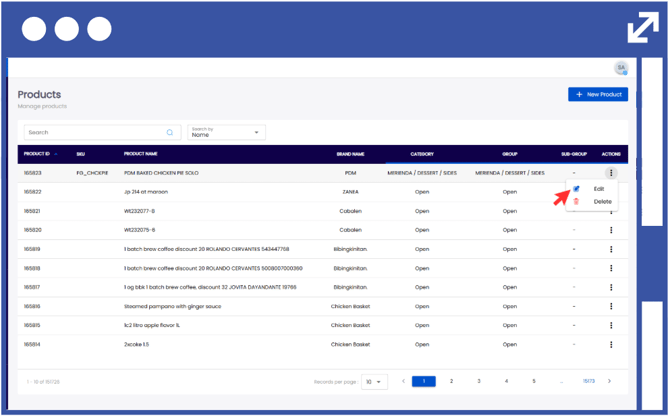
7. Scroll down to the bottom of the page and enable Track Stock by toggling the switch to "Yes".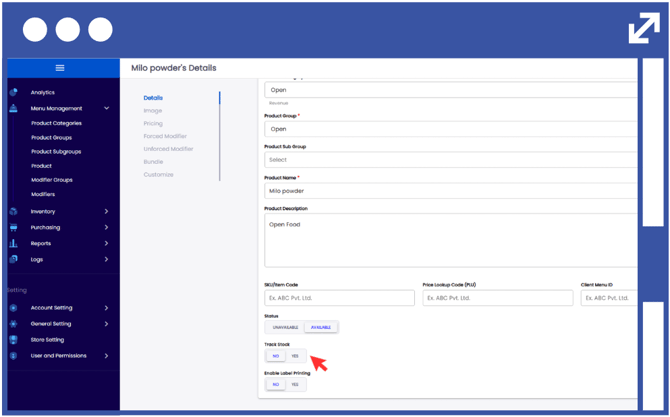
8. Click "Save".