.png?width=201&height=50&name=HP_TICKETING%20SOLUTIONS_LOGO-BLACKDSFAS%20(1).png)
Time Slot Groups
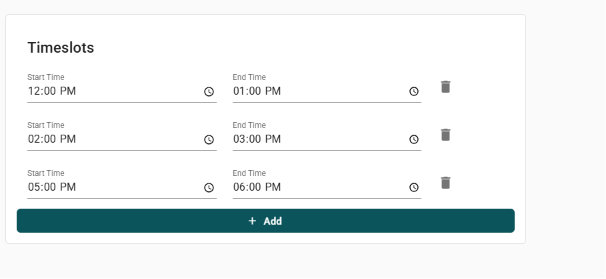
Time Slot Groups allow you to schedule events with multiple entry windows or sessions (e.g. hourly entry for bazaars, workshop blocks, or concert VIP check‑in times). Each group has a name, a selected day of the week, and a list of start/end time pairs. This feature helps manage capacity, stagger arrivals, and sell tickets for specific time blocks – ideal for bazaars, conferences, or any event where you need to control foot traffic per time window.
Configure your Time Slot Groups by following these steps:
1. Click “+Create New”.

2. Encode the text for the Time Slot Group Name.

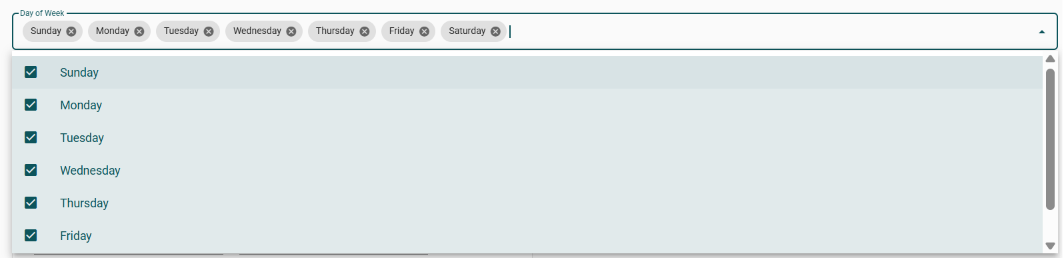
3. Input the days of the week that apply to your time slot group.
4. Click “+Add” to add your time slot and indicate the start time and end time.