.png?width=201&height=50&name=HP_TICKETING%20SOLUTIONS_LOGO-BLACKDSFAS%20(1).png)
Store Settings
The Store Settings section centralizes various configuration options that affect pricing, customer behavior, product display, and post-payment flow. These are helpful to align your storefront with tax laws, customer expectations, and promotional strategies.
Configure your Store Settings by following these steps:
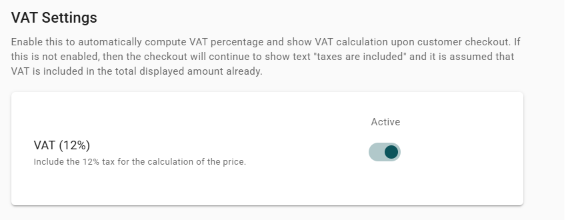
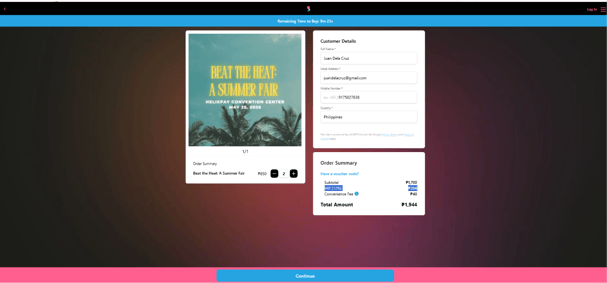
1. (Optional) Toggle on “VAT (12%)” to include VAT computation for the customer’s payment settlement upon checkout.
Sample VAT inclusion on the storefront:
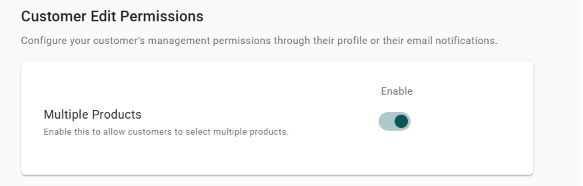
2. (Optional) Toggle on “Multiple Products” to allow customer to avail multiple products on your storefront.
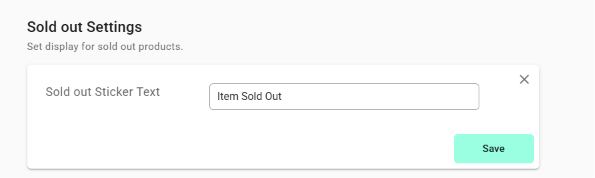
3. Encode the text for the Sold Out Sticker.
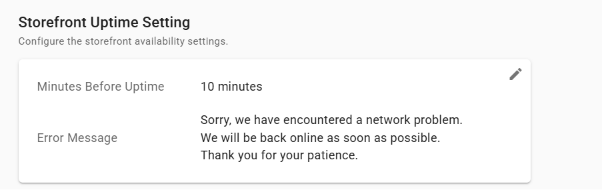
4. Configure the Storefront Uptime Settings.
Note: This setting lets you control when the storefront becomes available to the public. Set a Minutes Before Uptime delay (e.g., 10 minutes) to schedule a go‑live countdown – useful for teasing an event launch or coordinating with a marketing campaign.
If the storefront is temporarily offline or experiencing issues, a custom Error Message will be shown to visitors instead of a generic browser error, maintaining a professional brand experience during downtime.
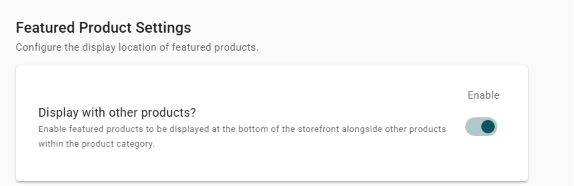
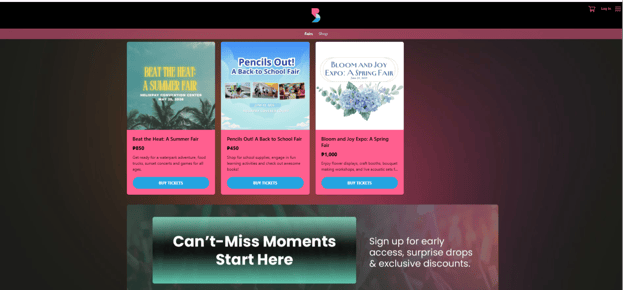
5. (Optional) Toggle on “Display with other products?” to show your featured products (events) at the bottom of your storefront, along with other non-featured products.
Sample Featured Product Display at the bottom of your storefront
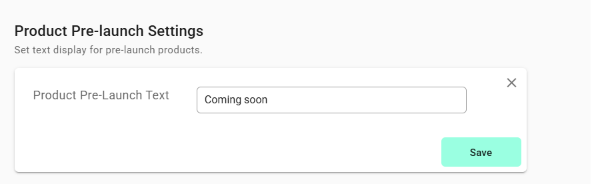
6. Encode the text for Product Pre-Launch.
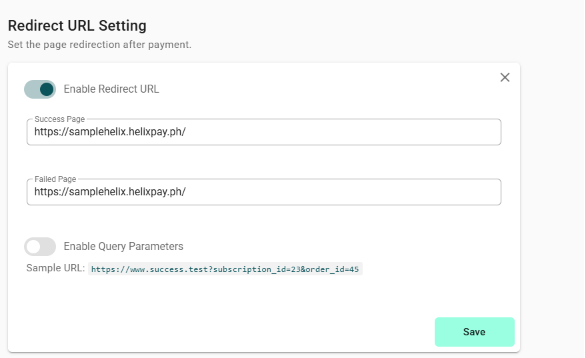
7. (Optional) Toggle on "Enable Redirect URL" to control where customers go after payment.
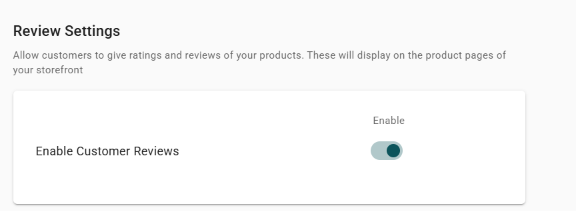
8. Toggle on “Enable Customer Reviews” to allow your customers to review your products (events).