.png?width=201&height=50&name=HP_TICKETING%20SOLUTIONS_LOGO-BLACKDSFAS%20(1).png)
Merchant Info
The Merchant Info section controls your brand’s core details and communication settings. Keeping this information accurate ensures customers can reach you and you never miss a critical transaction alert.
Configure your Merchant Info by following these steps:
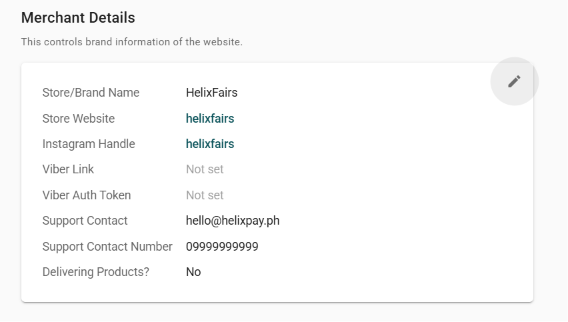
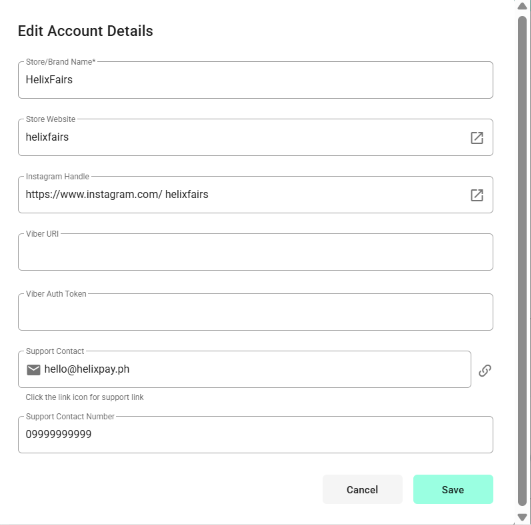
1. Encode your Merchant Details.
Note: The Store/Brand Name will appear at the footer of your storefront.
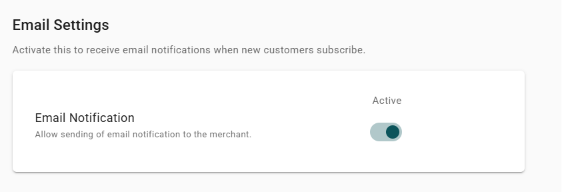
2. (Optional) Toggle on “Email Notification” to receive email notifications when new customers subscribe.
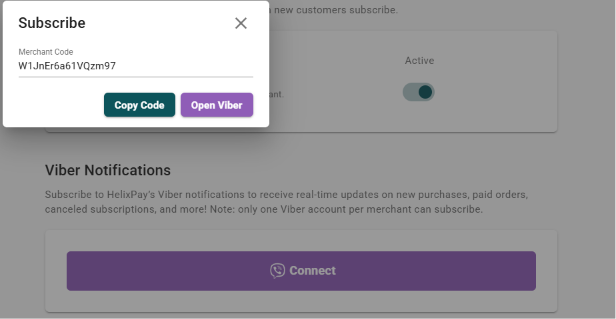
3. (Optional) Click “Connect” to activate Viber notifications to receive real-time updates on new purchases, paid orders, canceled subscriptions, and more.