.png?width=201&height=50&name=HP_TICKETING%20SOLUTIONS_LOGO-BLACKDSFAS%20(1).png)
Checkout Page
The settings under the Checkout Page control the customer experience during the final purchase step. Optimizing these settings reduces cart abandonment and improves transaction reliability.
Configure your Checkout Page by following these steps:
1. (Optional) Configure the Shot Clock.
- Toggle on “Shot Clock” to activate a time limit for the customer’s checkout process.
- Enter the maximum time (in minutes) customers have to complete the checkout process (e.g., 10 minutes).
Note: The shot clock does not reserve the slot or product for the customer. Inventory remains on a first‑come, first‑served basis – payment must be completed before a slot is secured. The shot clock simply helps manage order flow by encouraging timely checkout.
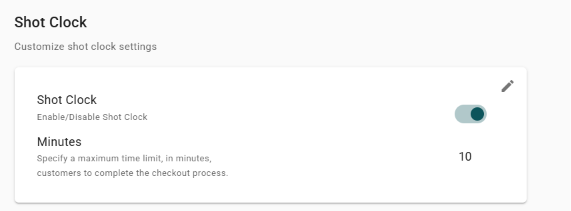
Sample Shot Clock on the storefront

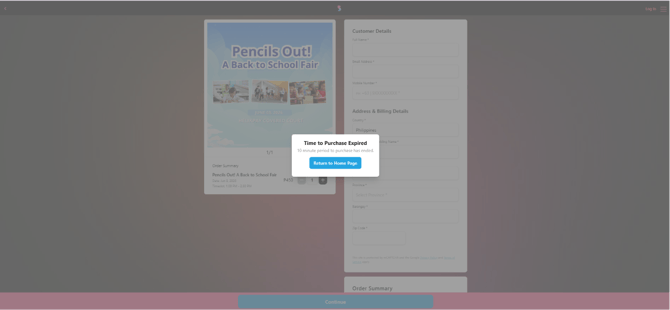
Sample Shot Clock Expiration Note on the storefront
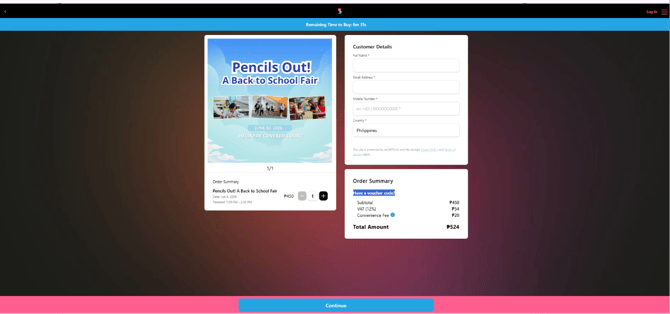
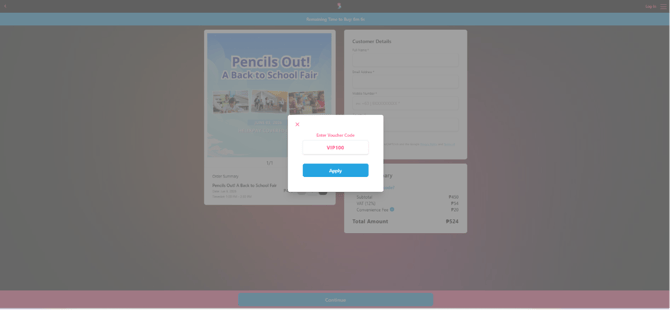
2. (Optional) Toggle on “Promo Code” to allow your customers to enter promo codes that will give them discounts and privileges in availing your product.
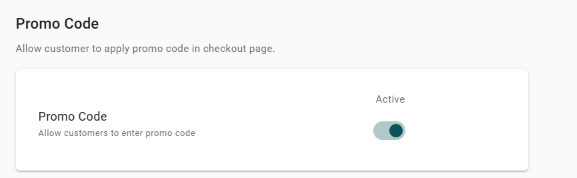
Sample Promo Code on the storefront
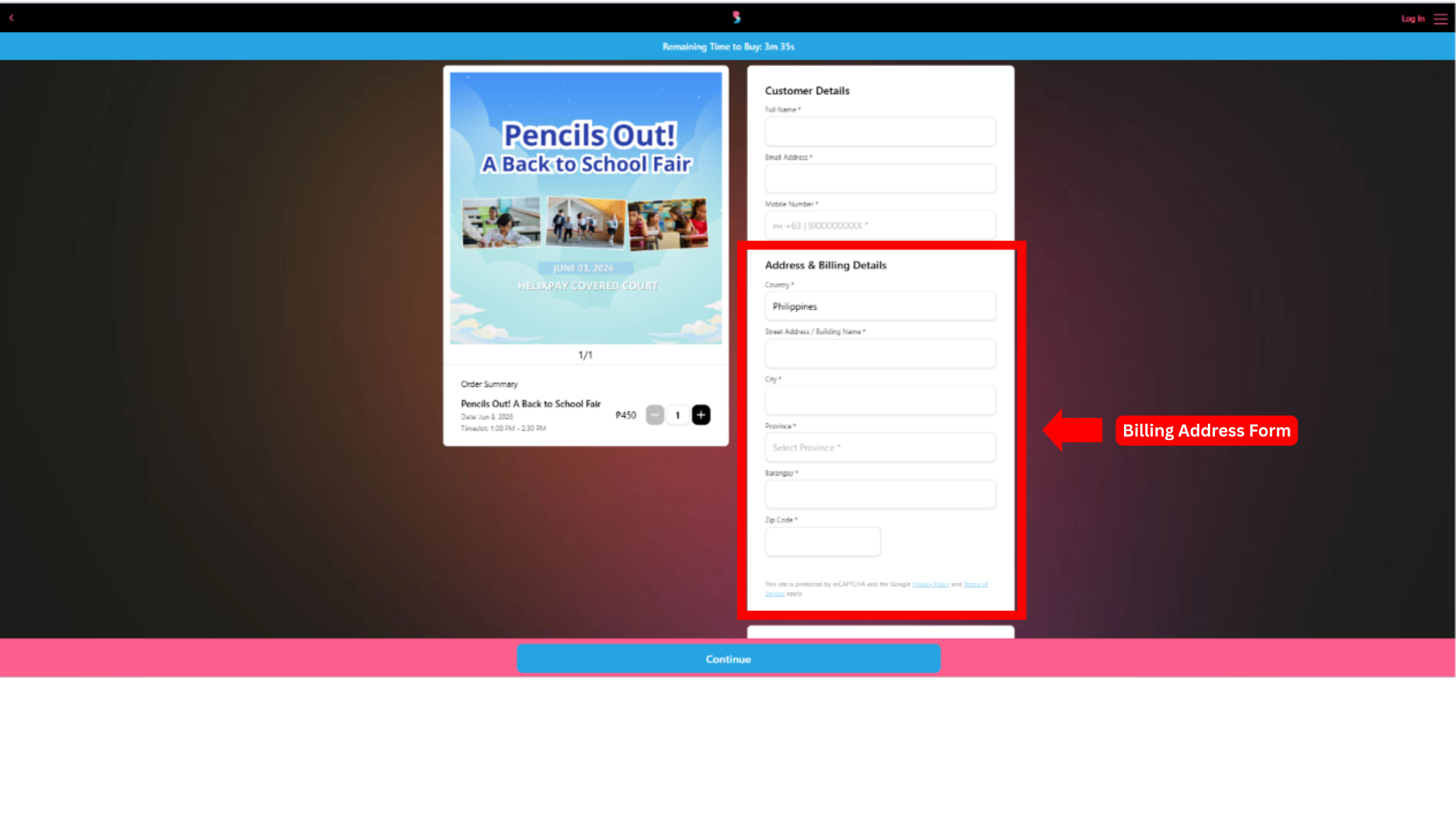
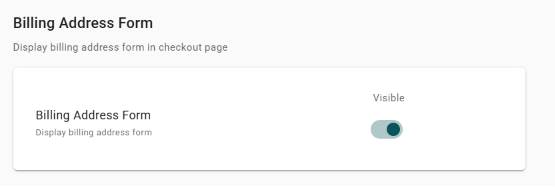
3. (Optional) Toggle on “Billing Address Form” to capture your customer’s billing address.
Note: Collecting the customer's billing address provides valuable demographic data (e.g., geographic location) and is essential for resolving payment disputes, and verifying transactions.
Sample Billing Address Form on the storefront